
Description
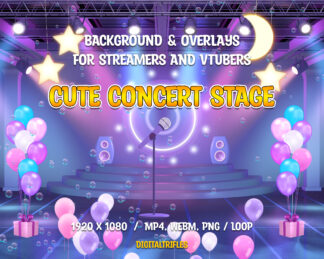
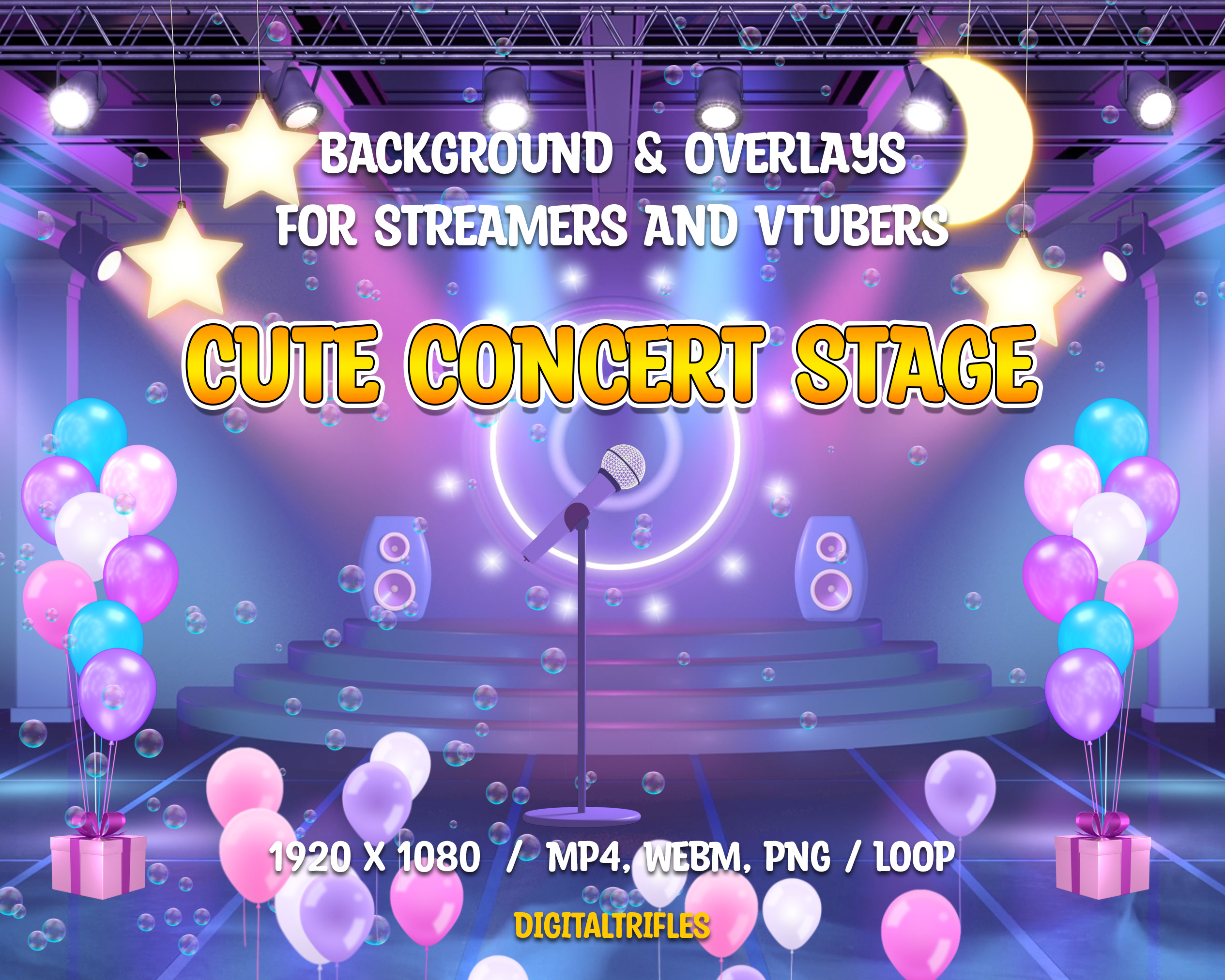
Concert stage stream package for Streamers and VTubers. Cute Twitch overlays for singers, dancers, fitness trainers, future pop stars, karaoke enthusiasts, and more!
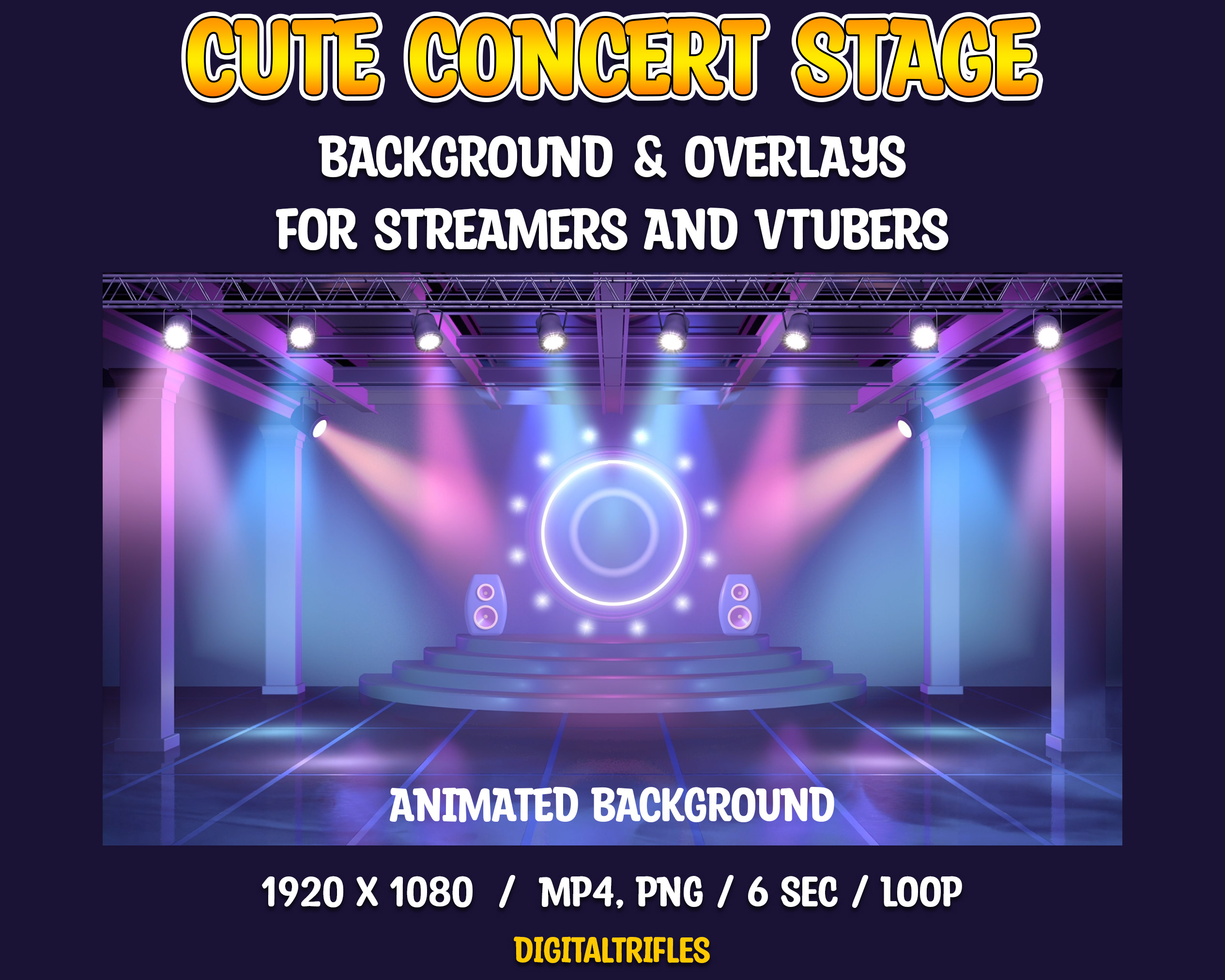
– Animated and static backgrounds featuring pastel pink, blue, and purple tones.
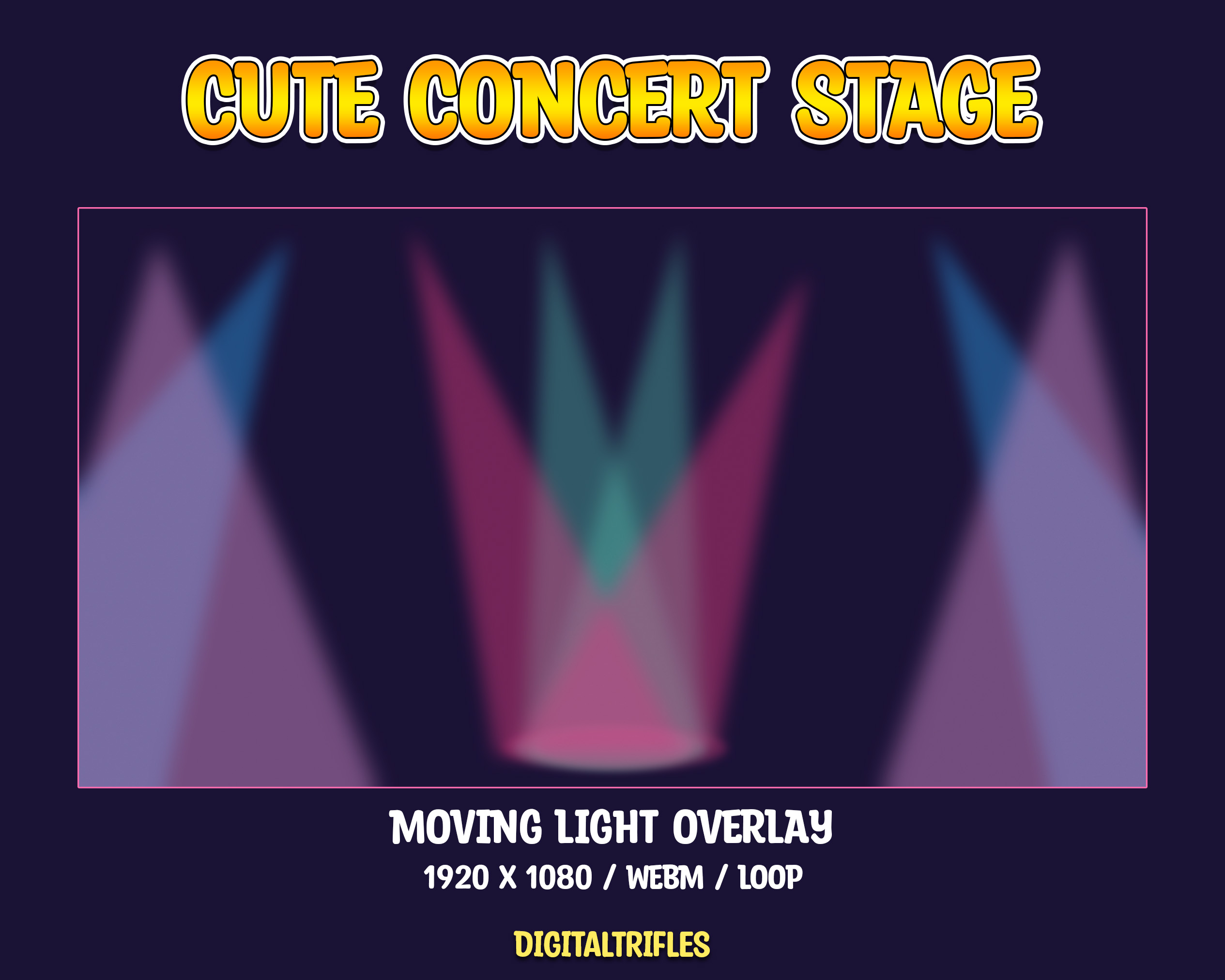
– Looping colored spotlights, adding a dynamic concert vibe.
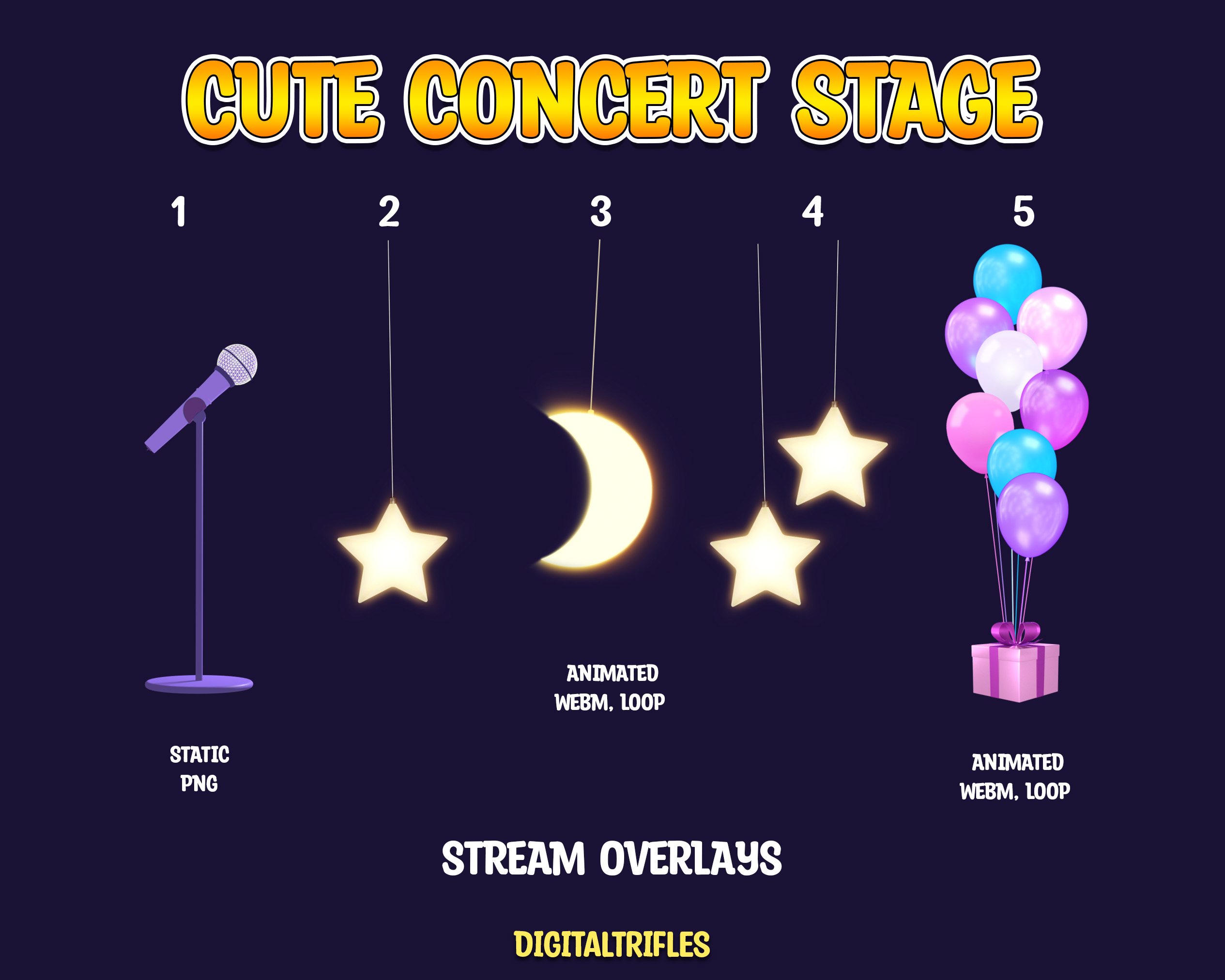
– Microphone, flying balloons, bubbles, moon, and stars for a magical touch.
Ready to use, easy to install, and fully customizable in OBS Studio. Create your stage and shine like a star!
Instant digital download.
This stream package includes 10 files in 2 ZIP archives:
1 Concert Stage Static Background – 1920 x 1080 / PNG;
1 Concert Stage Animated Background – 1920 x 1080 / MP4 / 6 sec / loop;
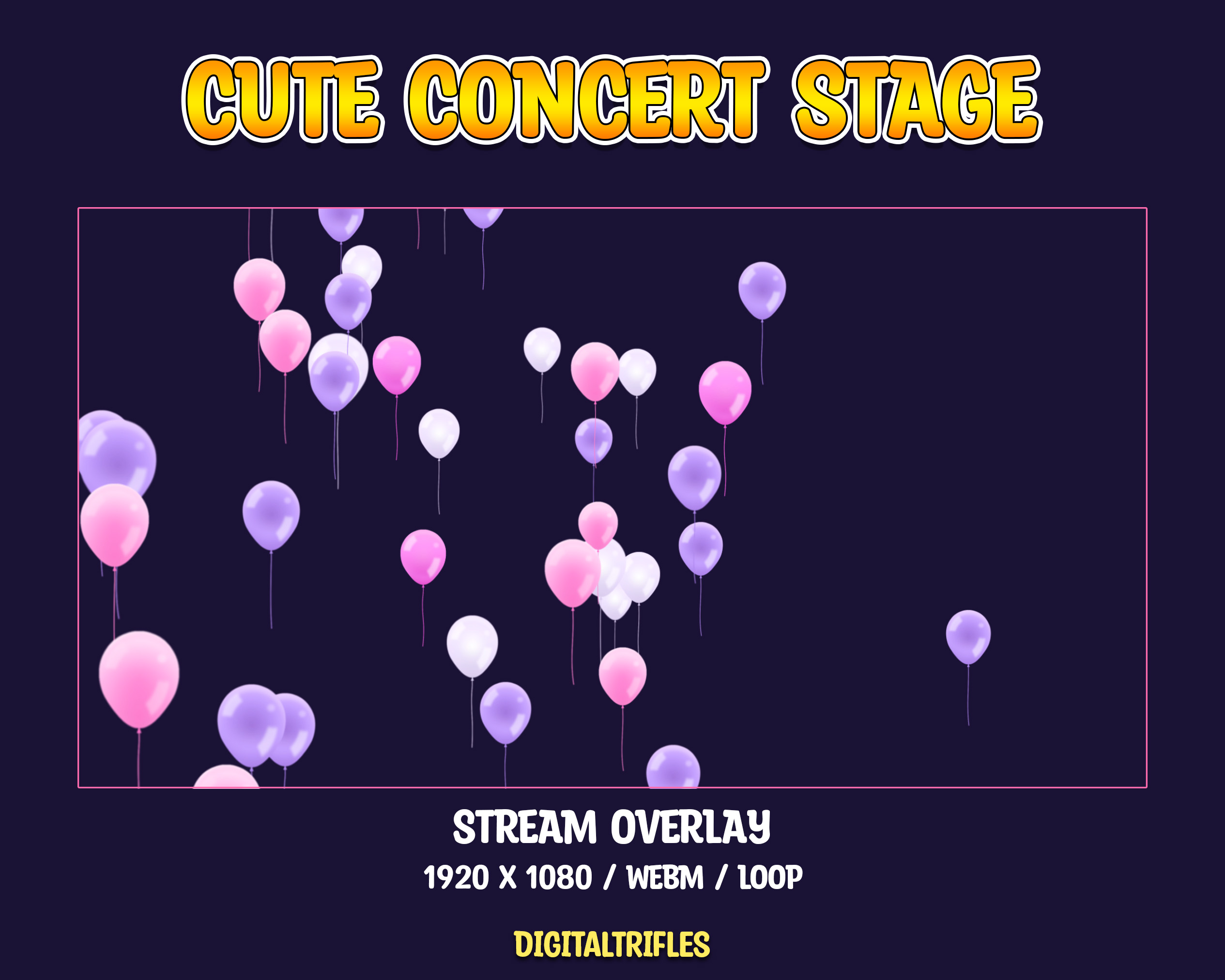
1 Animated Flying Balloons – 1920 x 1080 / WEBM / 12 sec / loop;
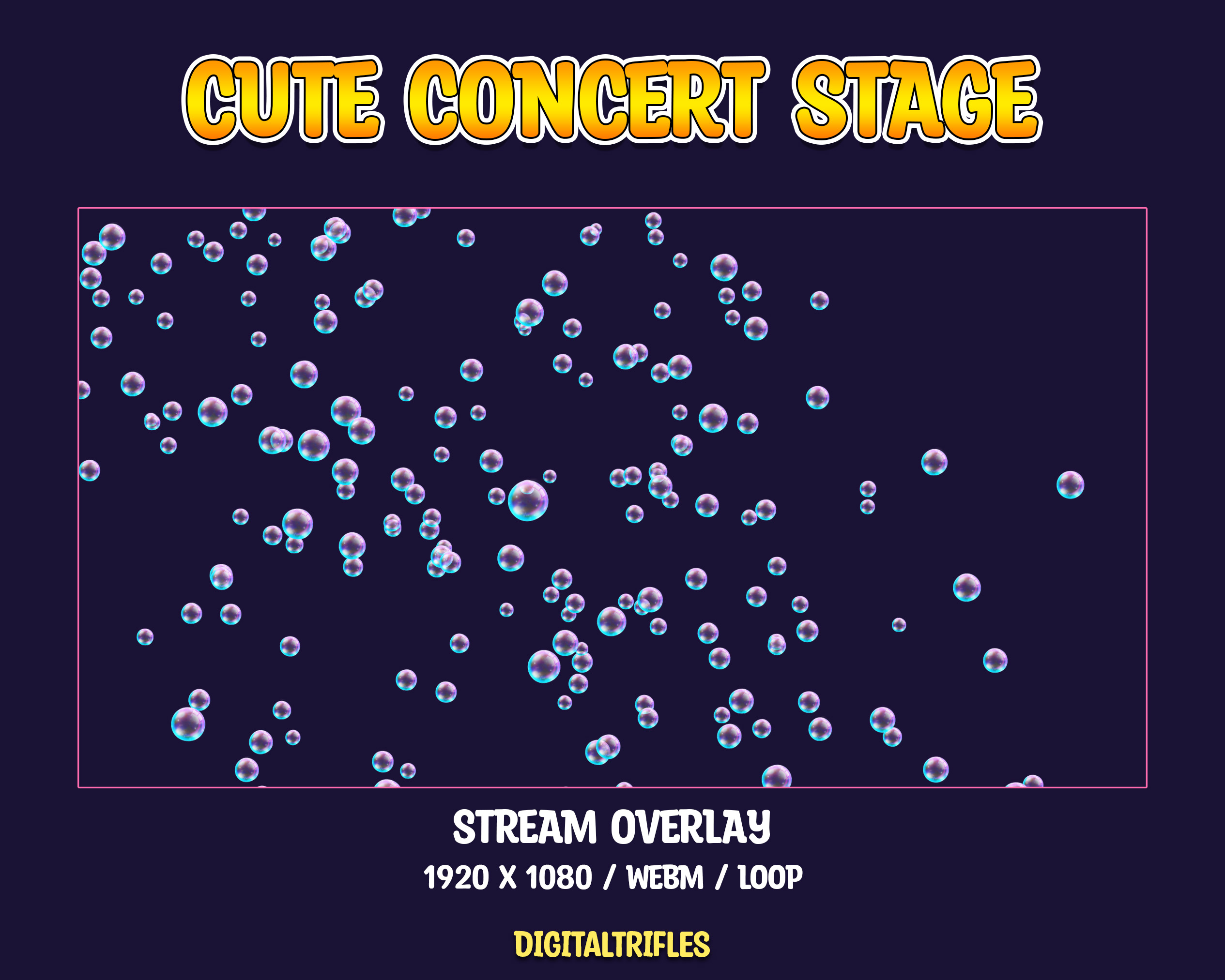
1 Animated Soap Bubbles. – 1920 x 1080 / webm / 12 sec / loop;
1 Animated Moving_Light – 1920 x 1080 / WEBM / 6 sec / loop;
1 Animated Balloon Bunch – 480 x 1080 / WEBM / 6 sec / loop;
1 Animated Moon – 600 x 900 / WEBM / 6 sec / loop;
1 Animated Star – 500 x 900 / WEBM / 6 sec / loop;
1 Animated Stars – 600 x 900 / WEBM / 6 sec / loop;
1 Static Microphone – 334 x 866 / PNG
Some small tips:
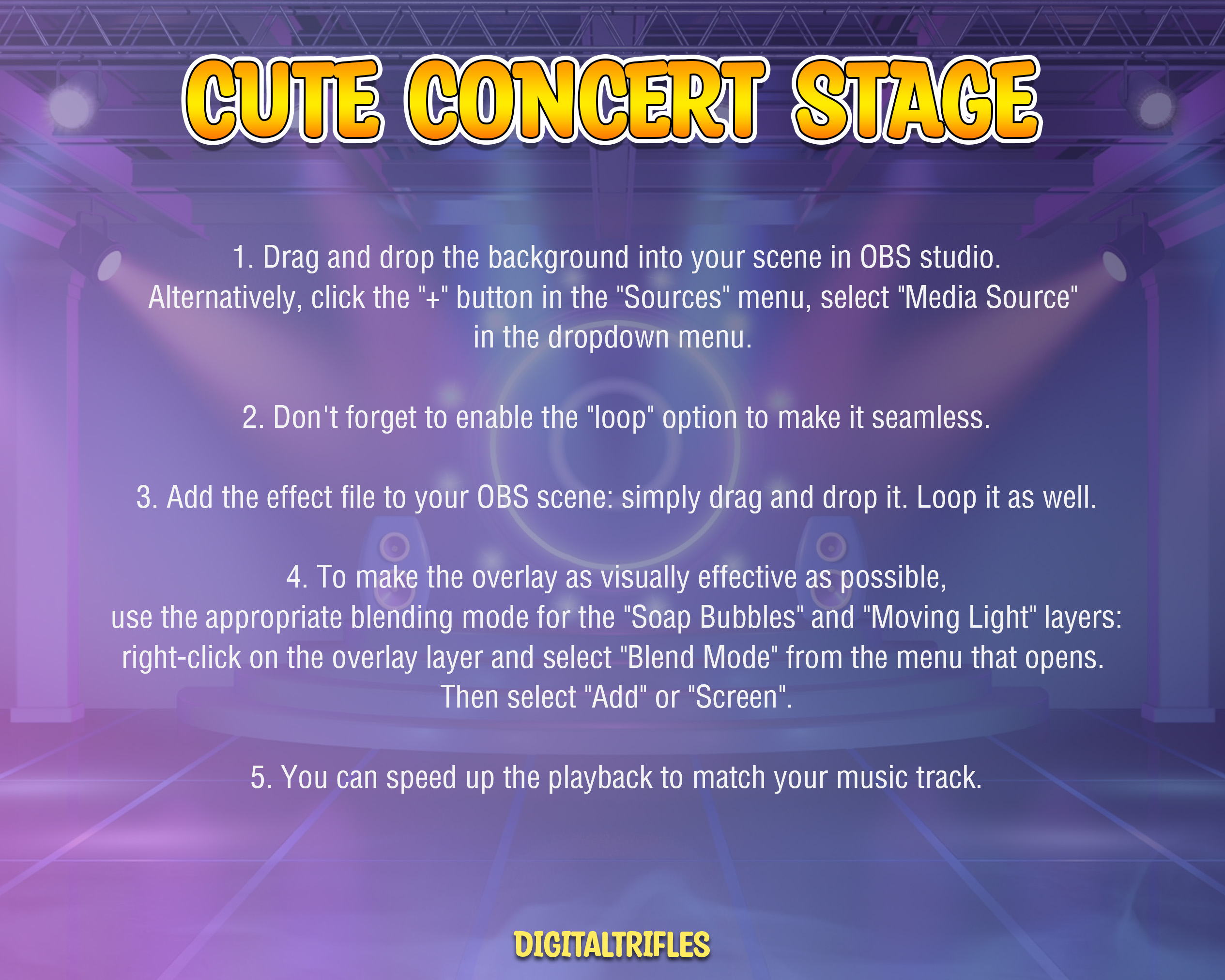
- Drag and drop the background into your scene in OBS studio. Alternatively, click the “+” button in the “Sources” menu, select “Media Source” in the dropdown menu.
- Don’t forget to enable the “loop” option to make it seamless.
- Add the effect file to your OBS scene: simply drag and drop it. Loop it as well.
- To make the overlay as visually effective as possible, use the appropriate blending mode for the “Soap Bubbles” and “Moving Light” layers: right-click on the overlay layer and select “Blend Mode” from the menu that opens. Then select “Add” or “Screen”.
- You can speed up the playback to match your music track.
More Stream Stages & Lighting Effects → Browse the Collection
The Note:
- It’s a digital download. You will be able to upload these files as soon as the payment is complete
- No physical product will be shipped
- The item is intended for a user with minimal knowledge of digital file management
- Image colors might be slightly different due to different monitor calibrations
- Due to the nature of the product, it is not possible to return an item once it has been loaded
- Please contact me if you have any problem with your order
Streaming License Included: You may use these overlays in live broadcasts and VODs, including monetized content, on Twitch, YouTube, Kick, and other streaming platforms.
Restrictions: Do not resell, redistribute, or claim these files as your own.