Description
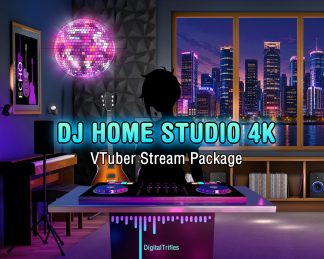
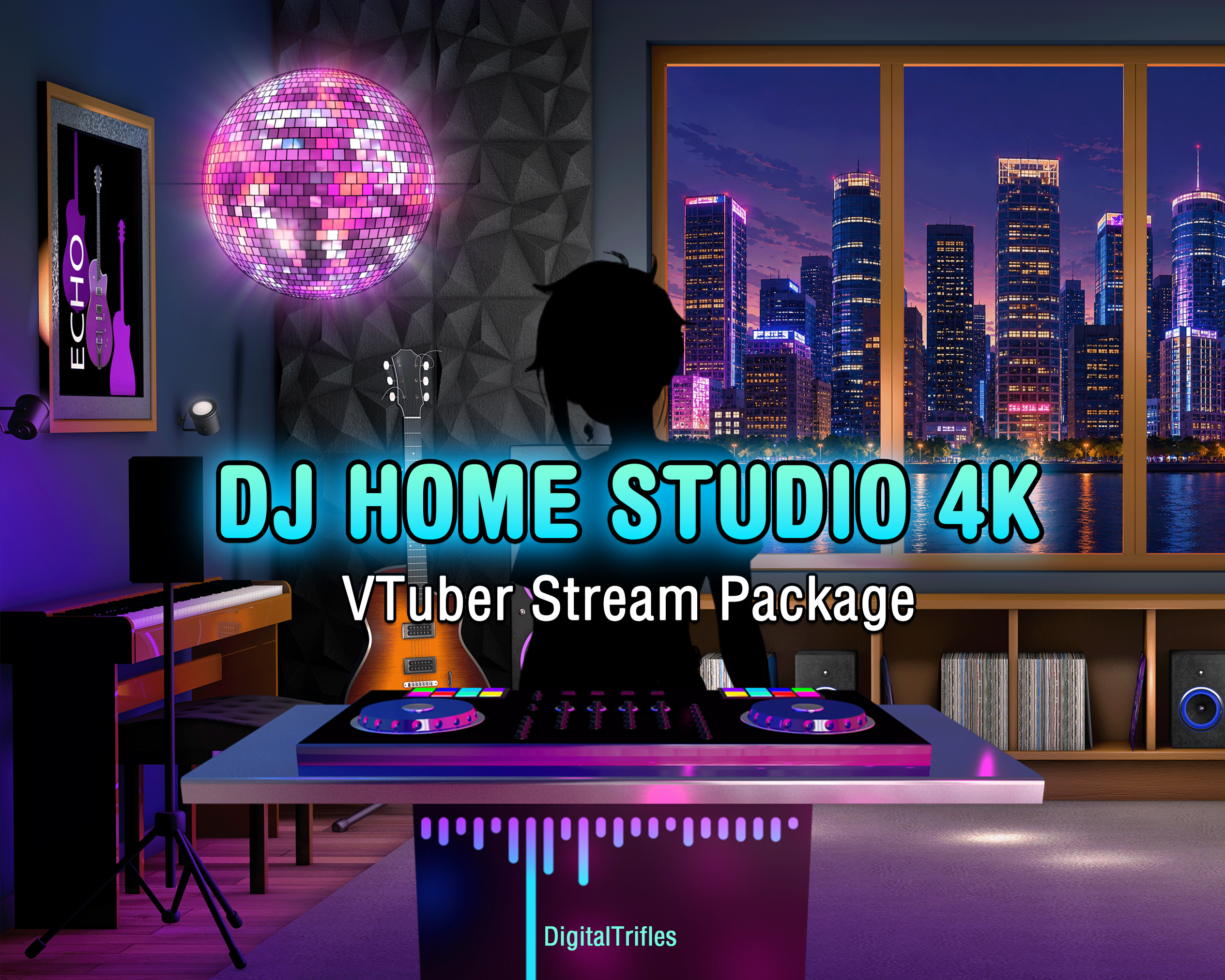
Turn your stream into a stylish music studio. This animated stream package combines a high-resolution VTuber home studio background with a disco ball, DJ booth, and stage light overlay, giving you everything you need to build a complete music streaming setup for DJs, music streamers, singers, VTubers, karaoke hosts, virtual concerts, and live performances.
Designed for OBS Studio, Twitch, YouTube, and other streaming platforms. Mix and match the animated overlays, customize your layout, and create anything from a cozy home studio to a vibrant concert atmosphere.
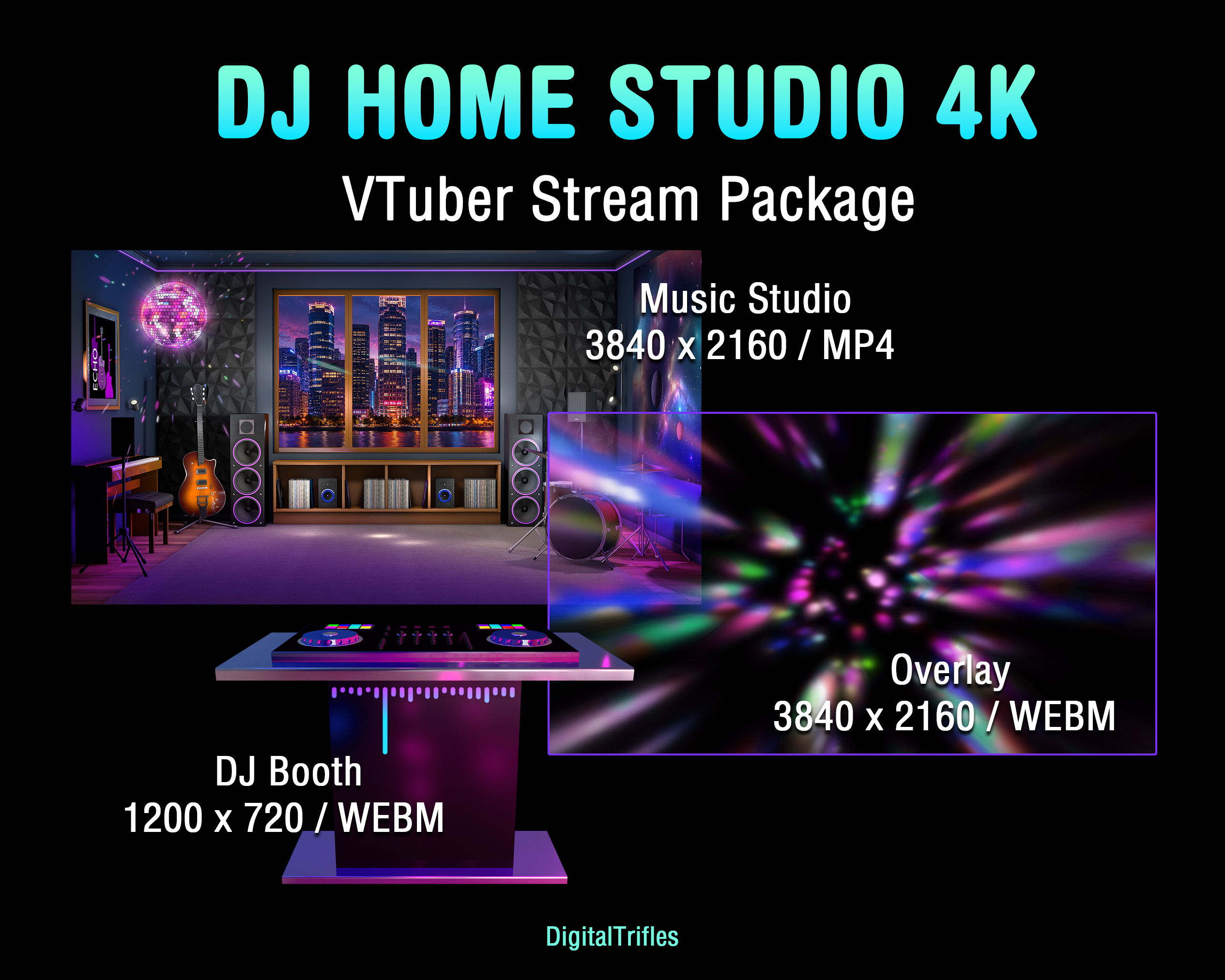
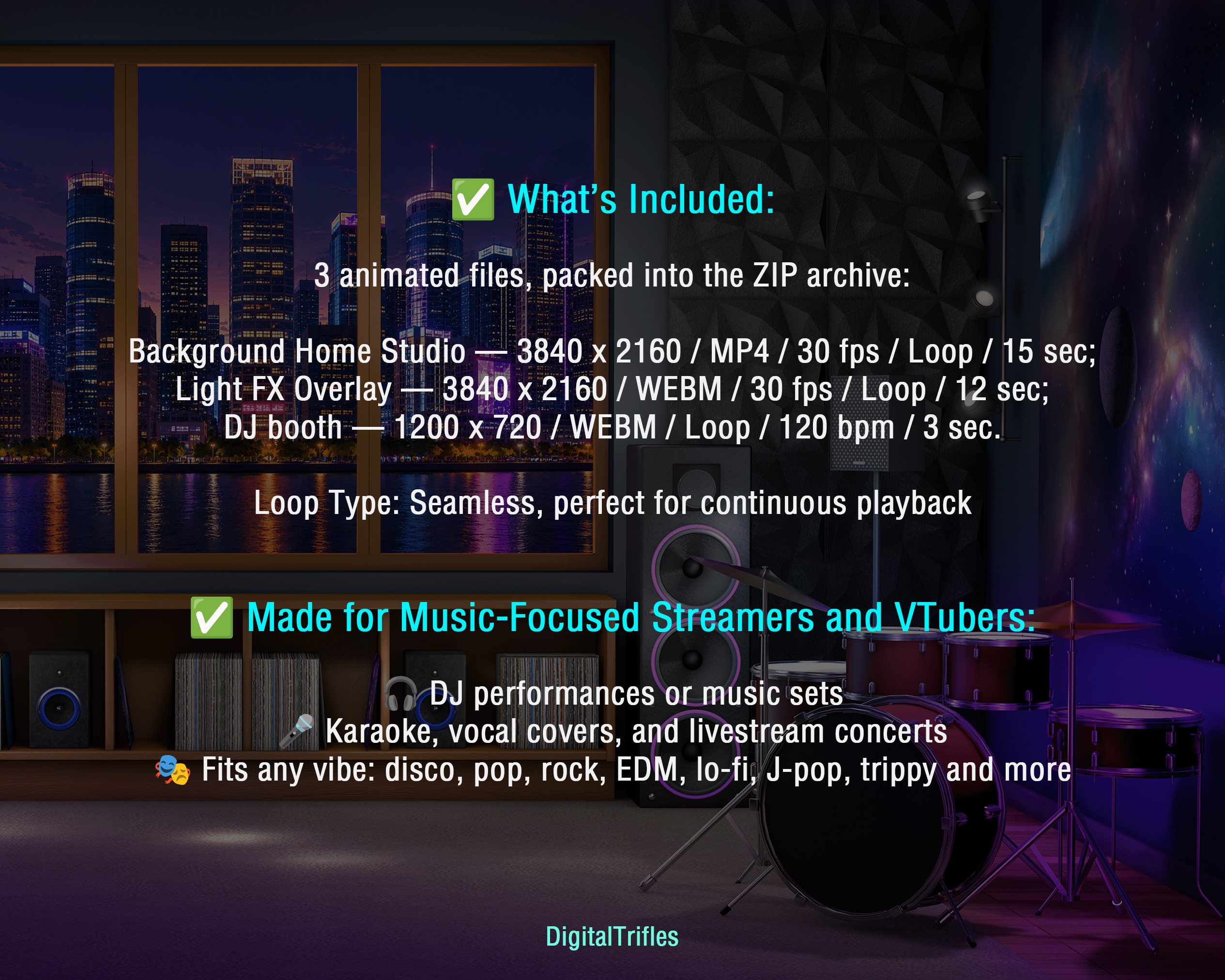
✅ What’s Included: 3 animated files, packed into the ZIP archive.
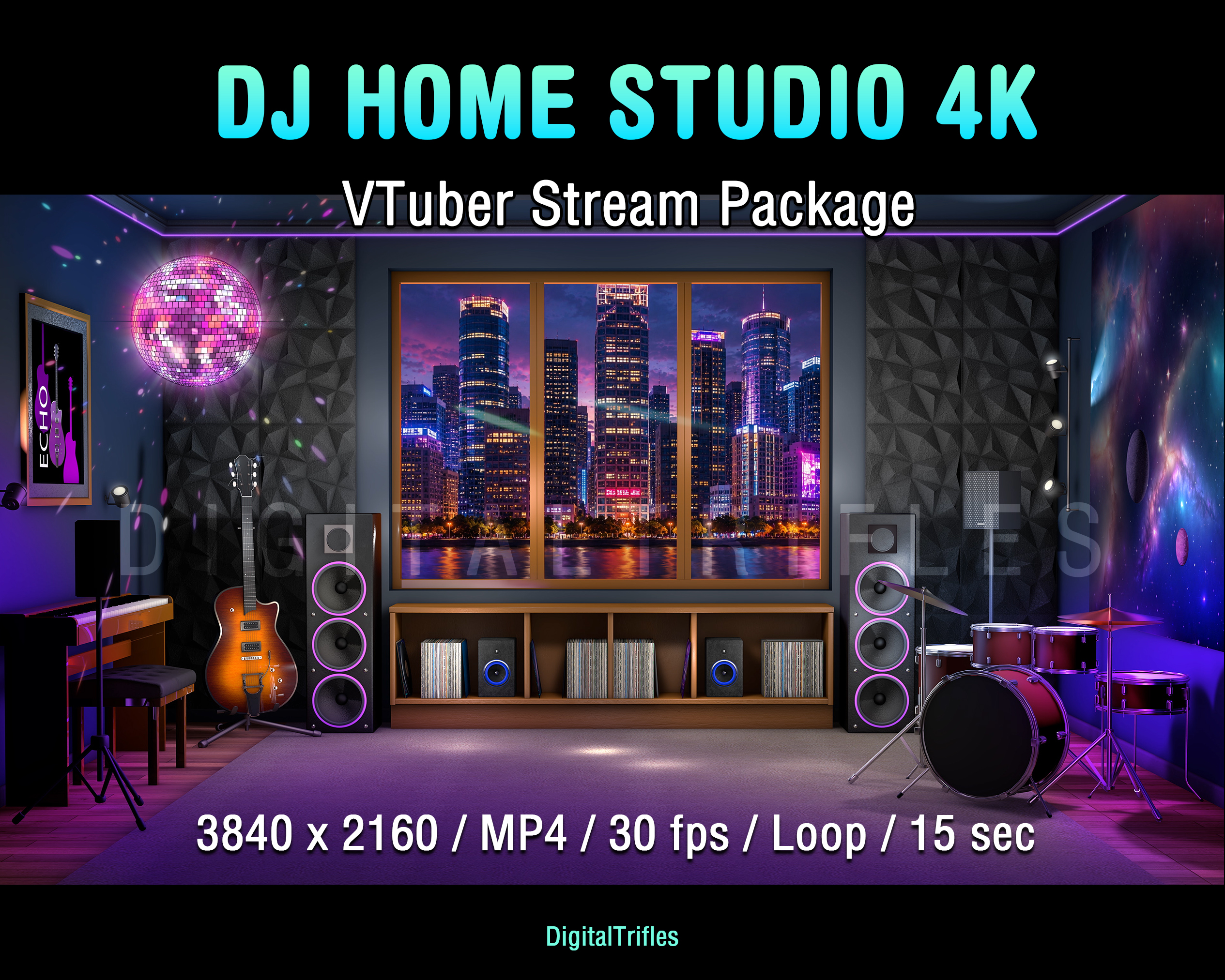
Background Home Studio — 3840 x 2160 / MP4 / 30 fps / Loop / 15 sec;
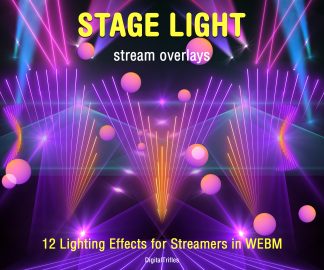
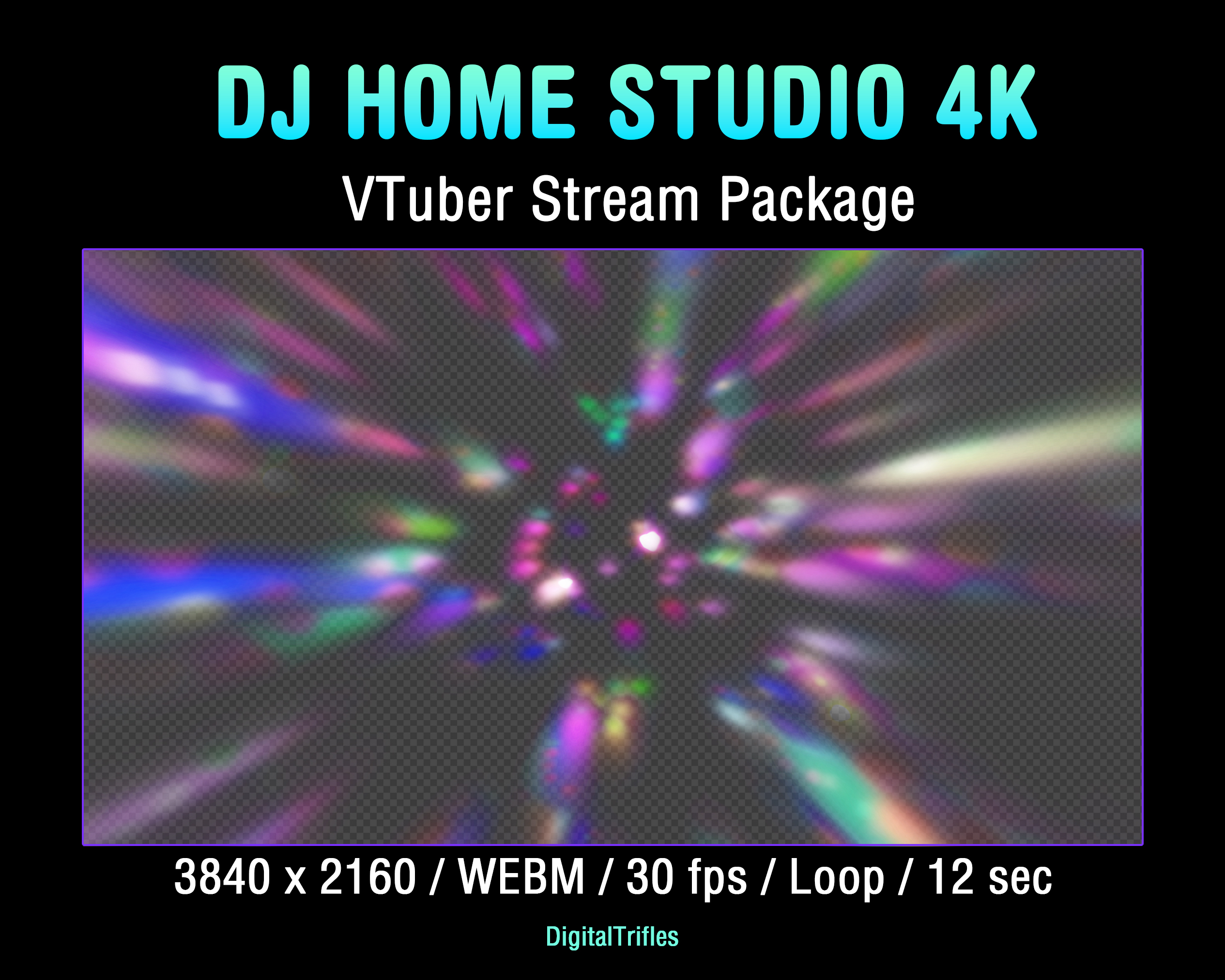
Light FX Overlay — 3840 x 2160 / WEBM / 30 fps / Loop / 12 sec;
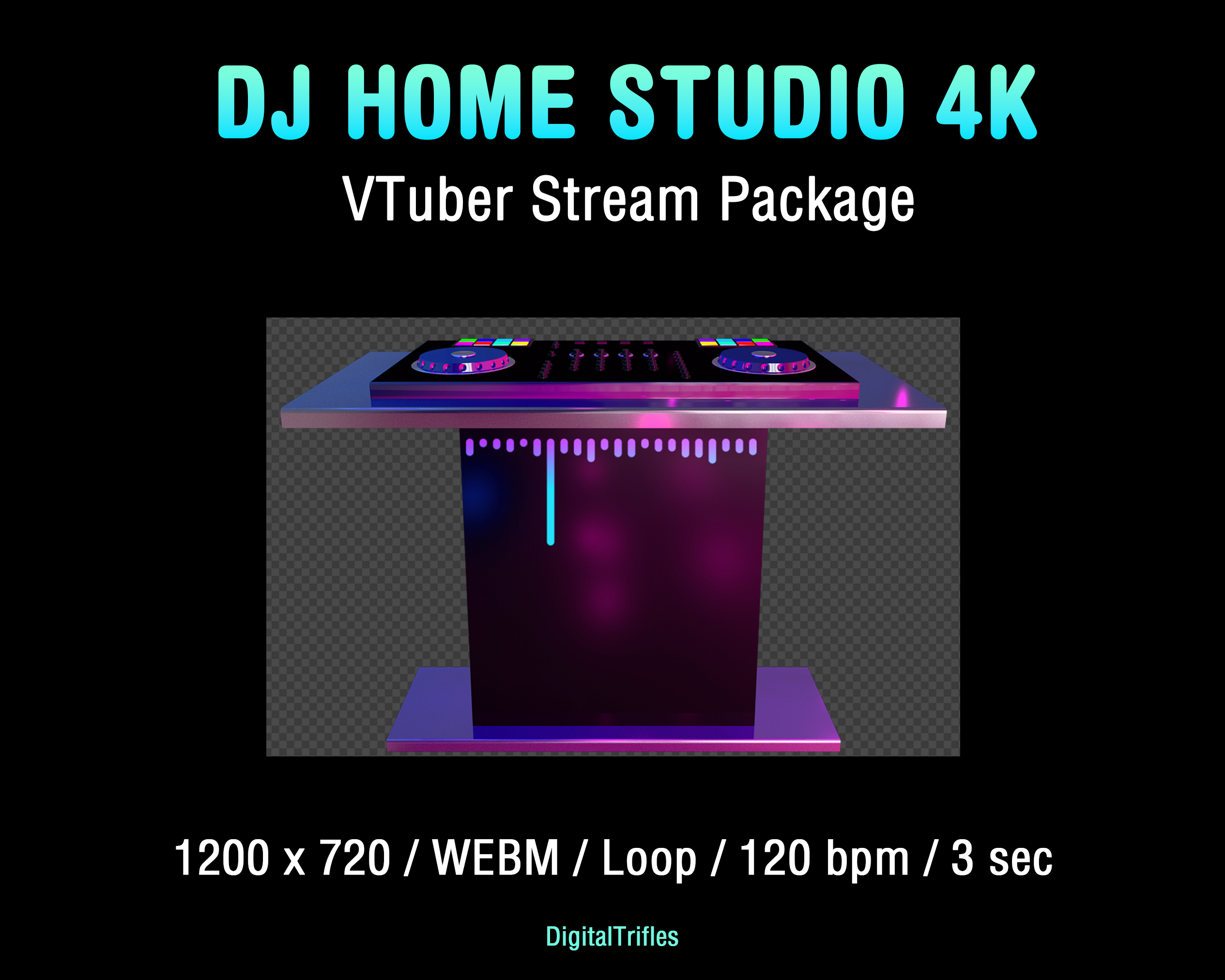
DJ booth — 1200 x 720 / WEBM / Loop / 120 bpm / 3 sec.
Loop Type: Seamless, perfect for continuous playback
✅ Made for Music-focused Streamers and VTubers:
🎧 DJ performances or music sets
🎤 Karaoke, vocal covers, and livestream concerts
🎭 Fits any vibe: disco, pop, rock, EDM, lo-fi, J-pop, trippy and more
Easy to Use in OBS Studio:
Just drop loops into your scenes and trigger them live with hotkeys
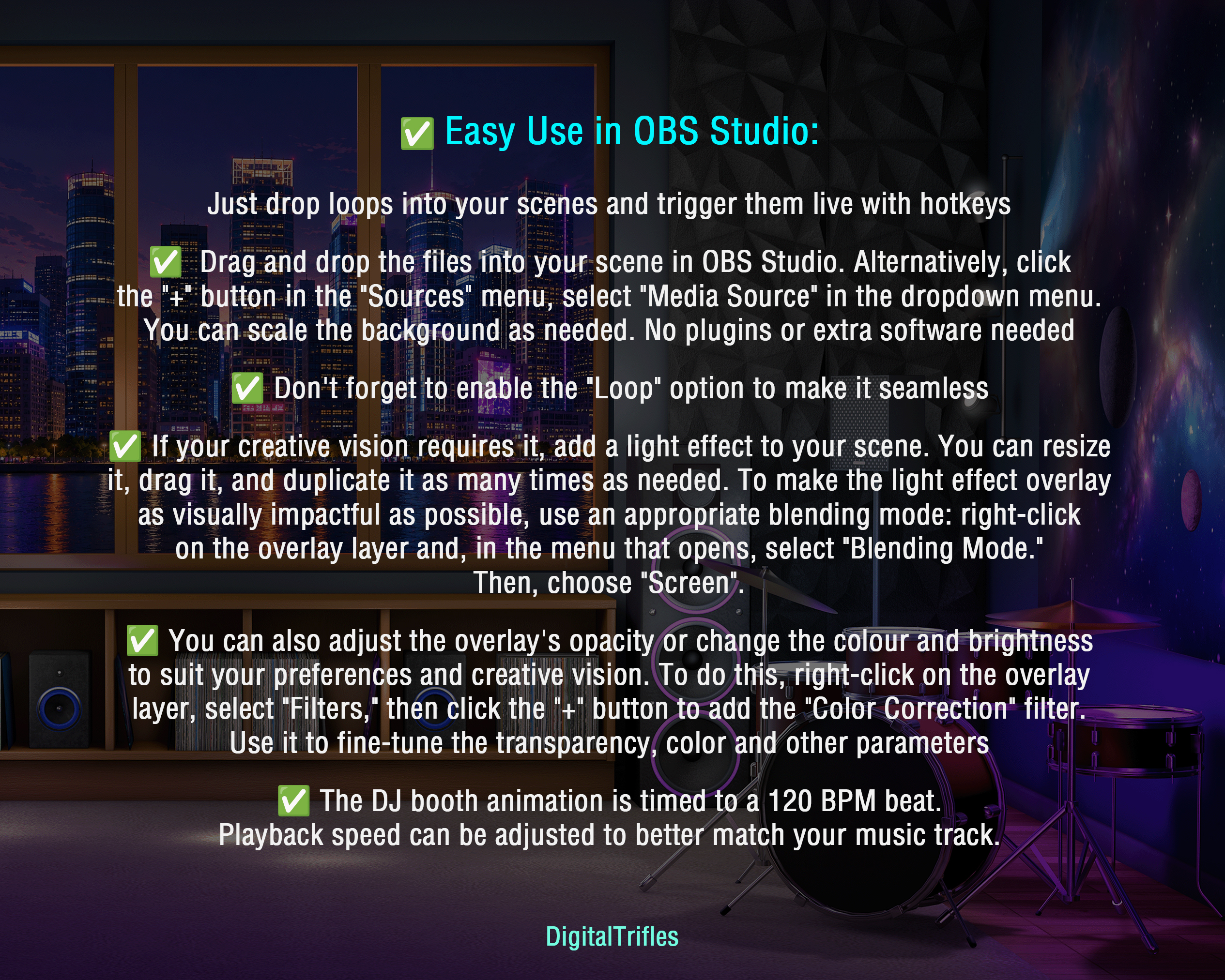
✅ Drag and drop the files into your scene in OBS Studio. Alternatively, click
the “+” button in the “Sources” menu, select “Media Source” in the dropdown menu.
You can scale the background as needed. No plugins or extra software needed
✅ Don’t forget to enable the “Loop” option to make it seamless
✅ If your creative vision requires it, add a light effect to your scene. You can resize it, drag it, and duplicate it as many times as needed. To make the light effect overlay as visually impactful as possible, use an appropriate blending mode: right-click on the overlay layer and, in the menu that opens, select “Blending Mode.” Then, choose “Screen”.
✅ You can also adjust the overlay’s opacity or change the colour and brightness to suit your preferences and creative vision. To do this, right-click on the overlay layer, select “Filters,” then click the “+” button to add the “Color Correction” filter.
Use it to fine-tune the transparency, color and other parameters
✅ The DJ booth animation is timed to a 120 BPM beat. Playback speed can be adjusted to better match your music track.
Explore Stream Stages & Lighting Effects → View Now
The Note:
- It’s a digital download. You will be able to upload these files as soon as the payment is complete
- No physical product will be shipped
- The item is intended for a user with minimal knowledge of digital file management
- Image colors might be slightly different due to different monitor calibrations
- Due to the nature of the product, it is not possible to return an item once it has been loaded
- Please contact me if you have any problem with your order
Streaming License Included: You may use these overlays in live broadcasts and VODs, including monetized content, on Twitch, YouTube, Kick, and other streaming platforms.
Restrictions: Do not resell, redistribute, or claim these files as your own.