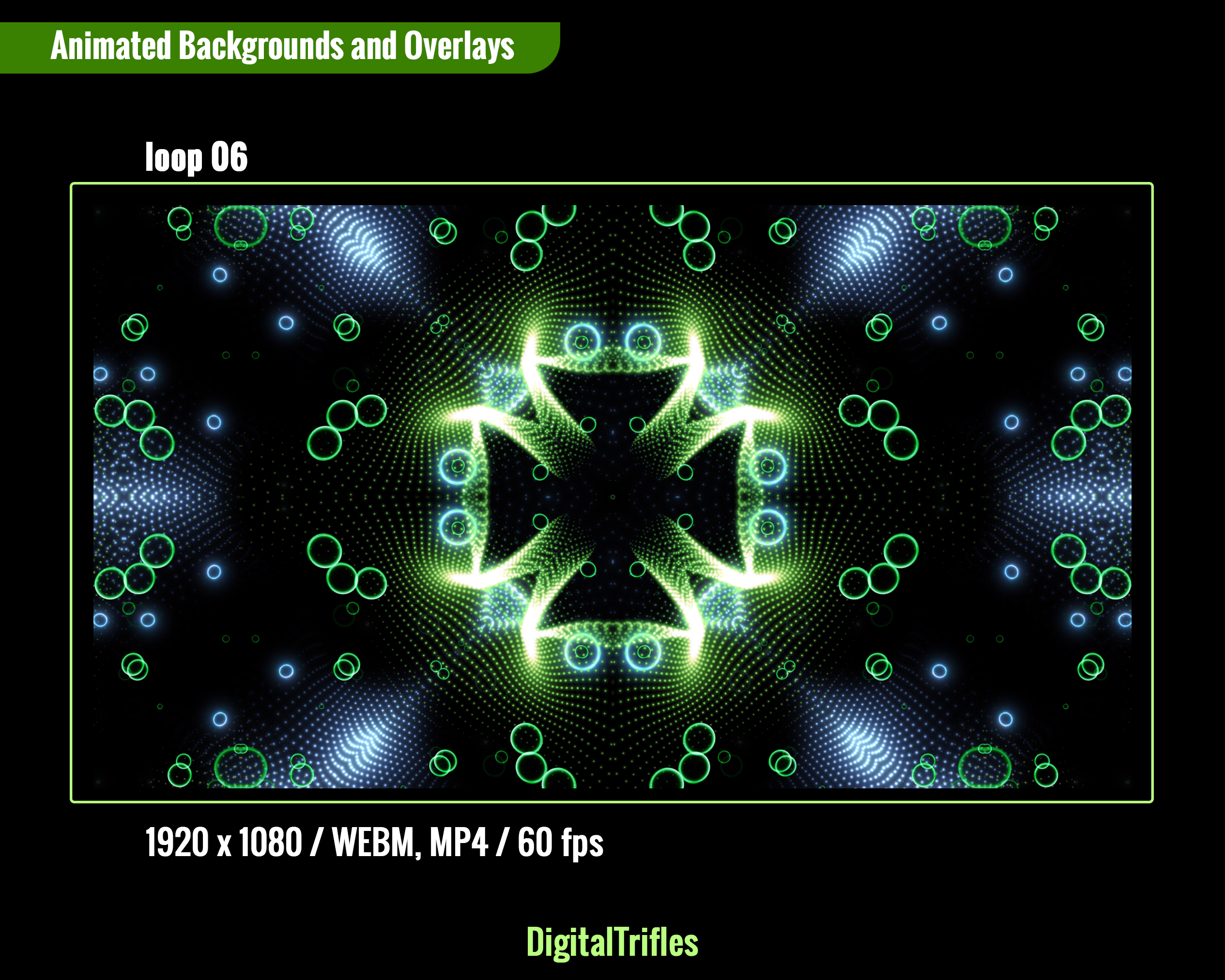
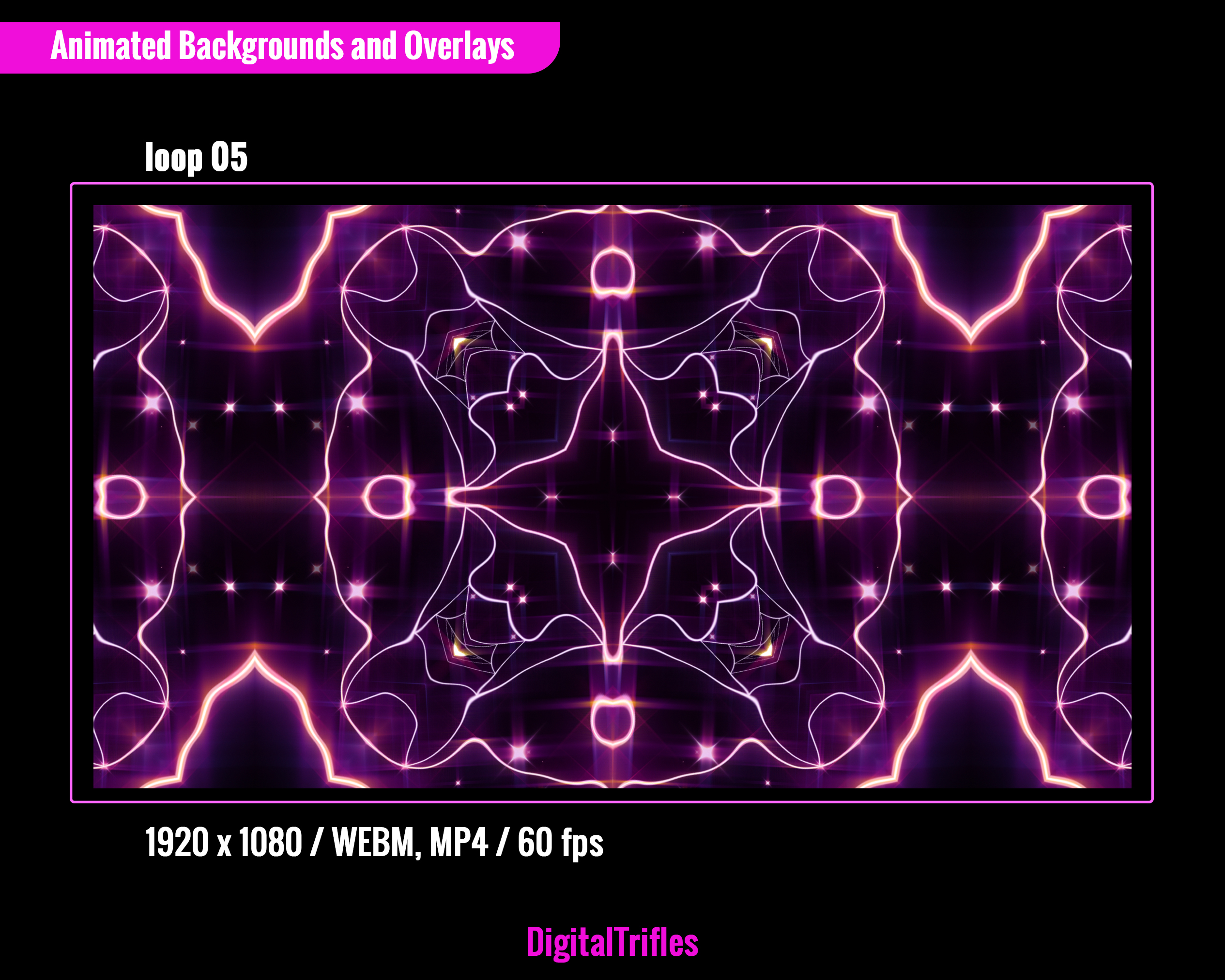
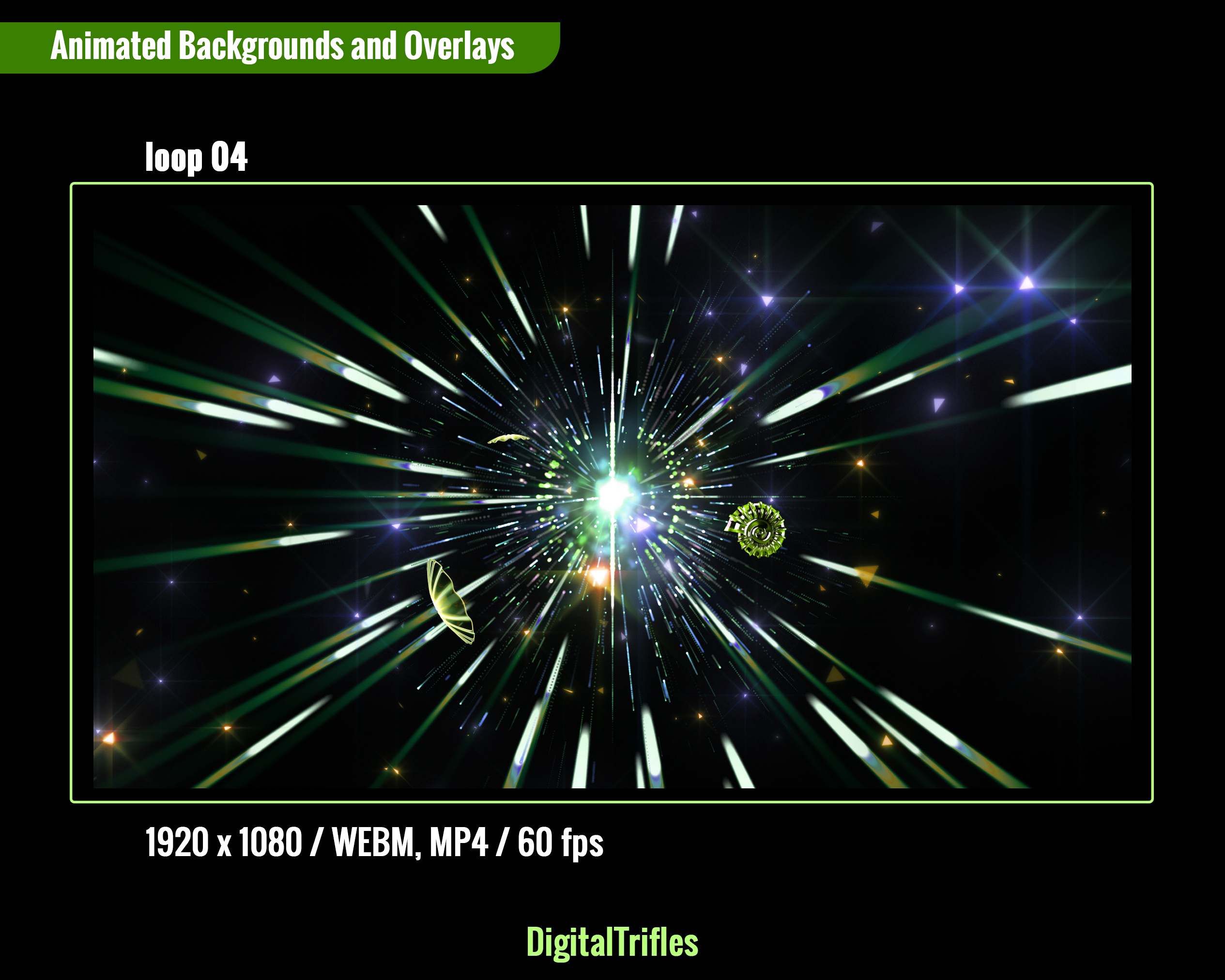
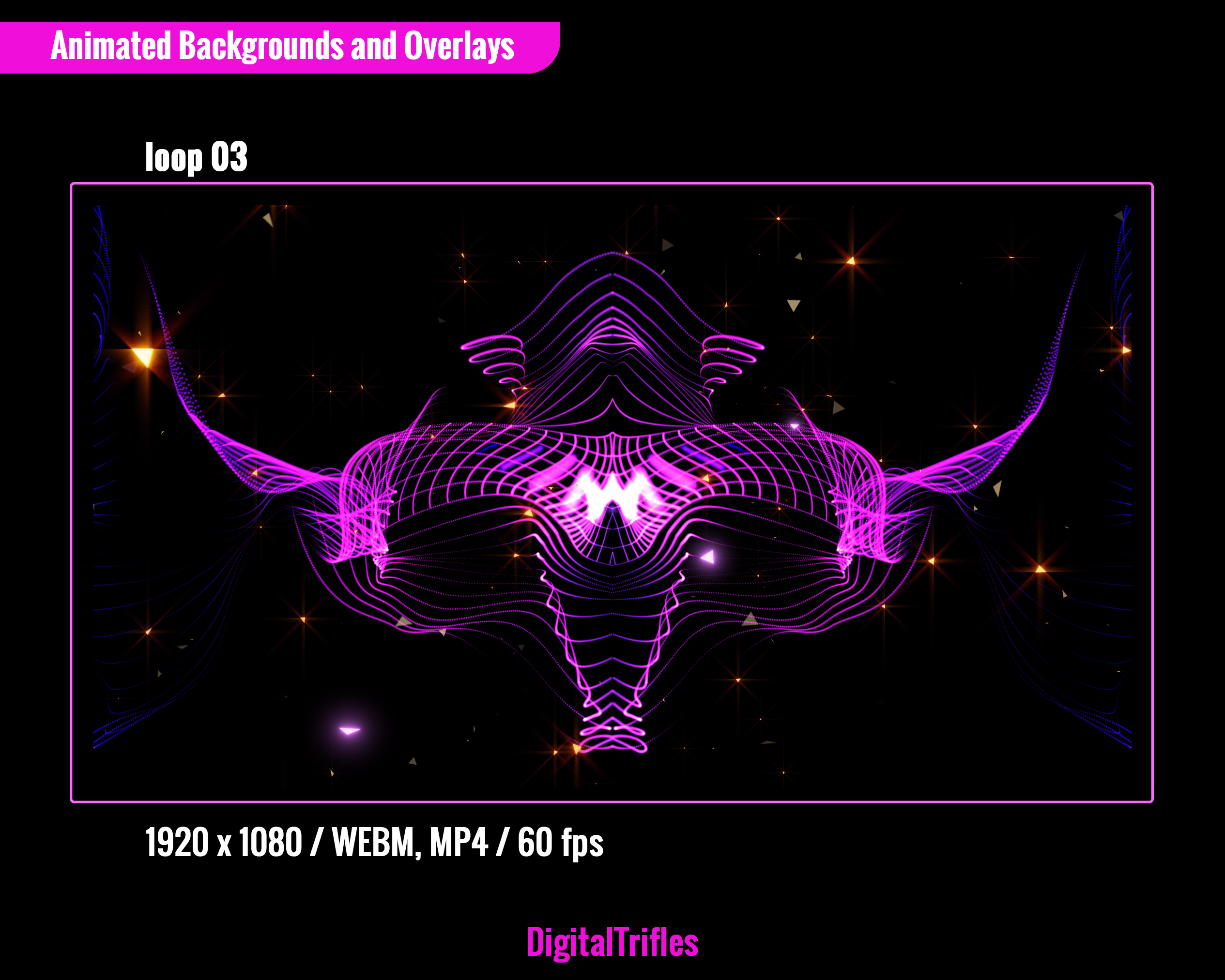
Description
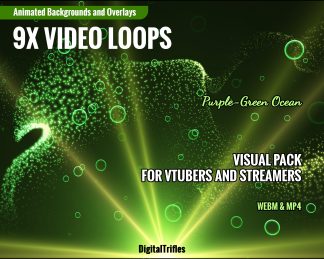
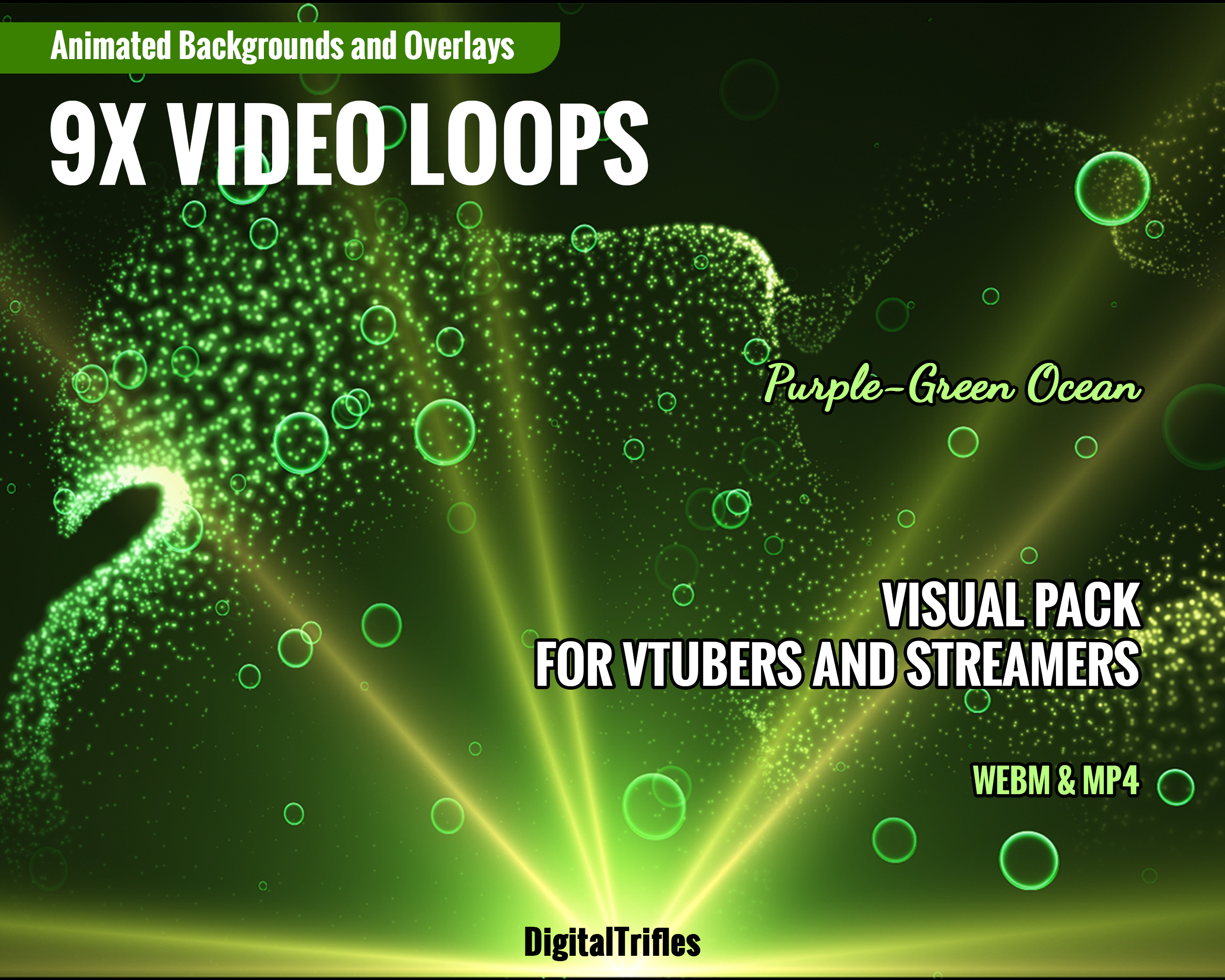
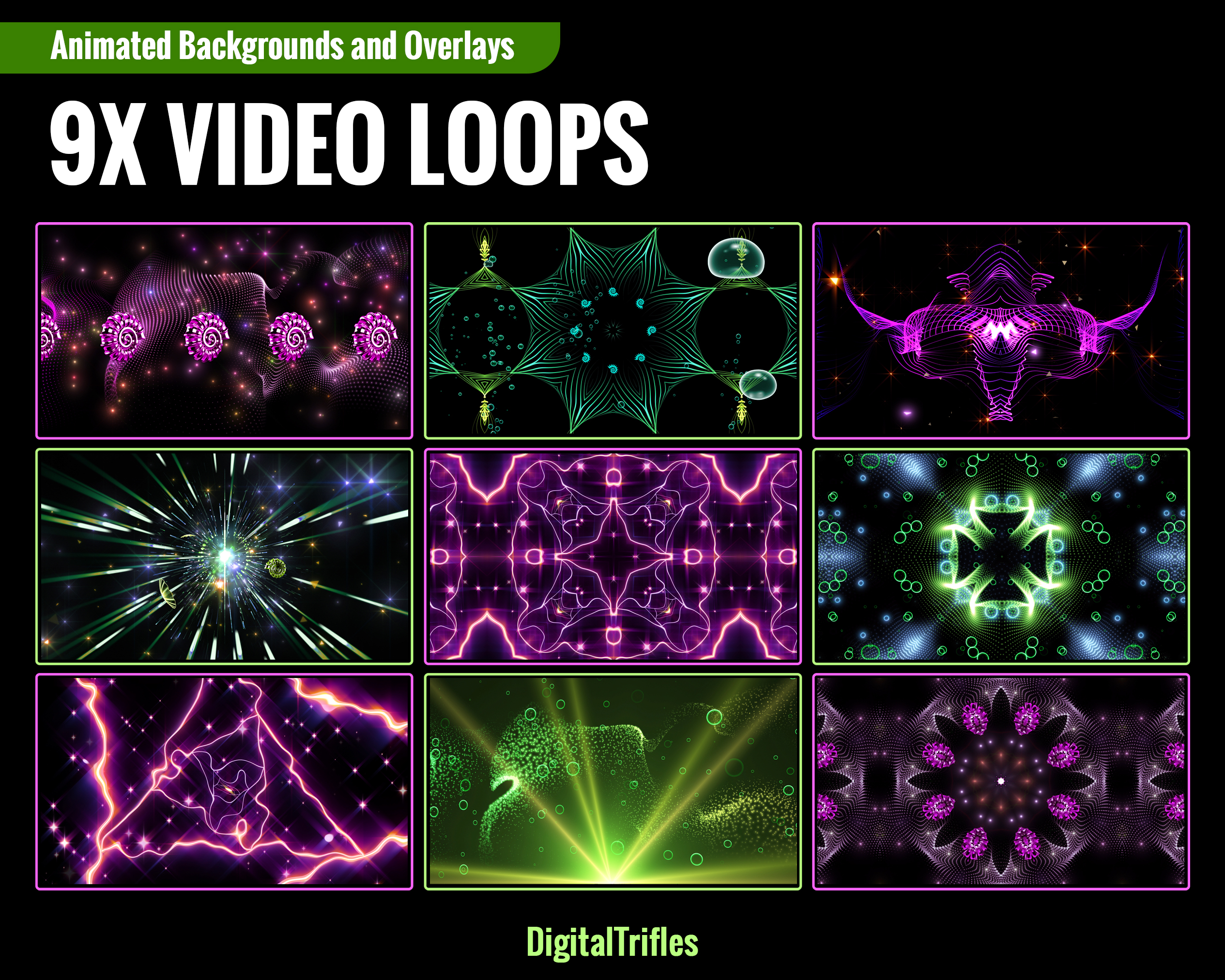
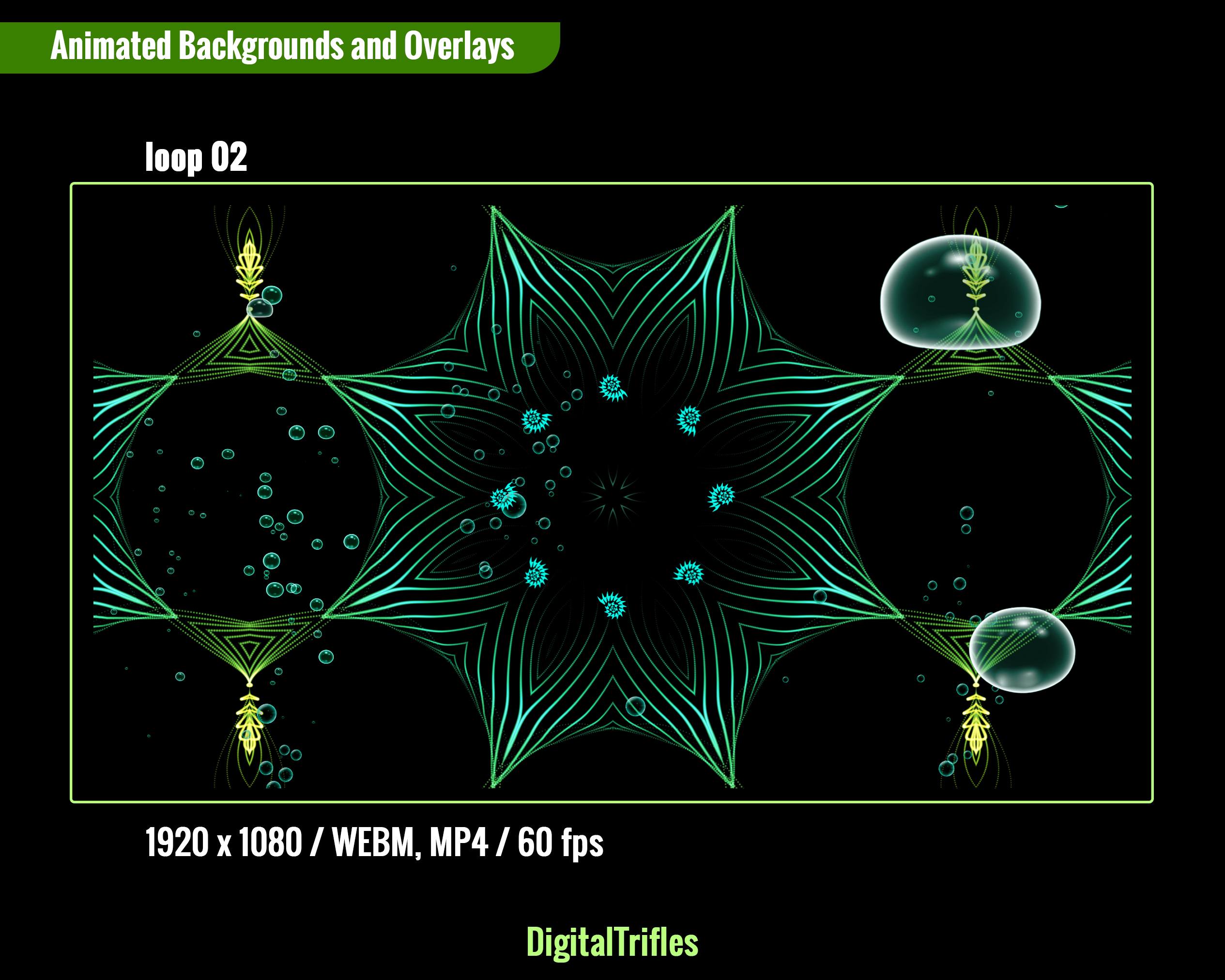
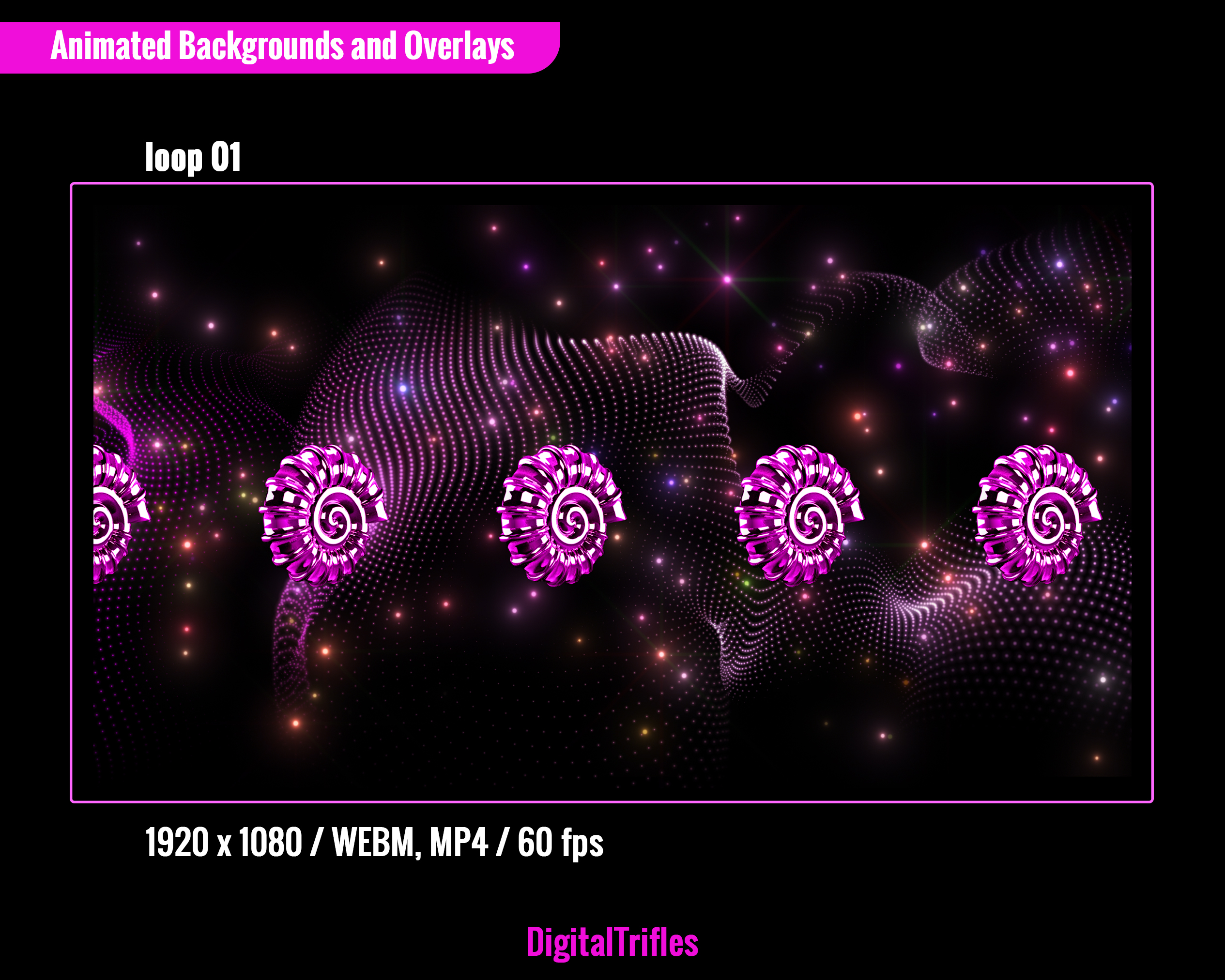
Make your stream show look like a professional stage production with this pack of high-quality, seamless loops “Purple-Green Ocean”. Whether you’re a Twitch streamer, VTuber, DJ, VJ, singer, or dancer, these animated overlays and backgrounds will instantly upgrade your visual presence. Want your audience to feel like they’re at a live show? These loops are made for creators who perform, not just stream. Let your visuals work with your music — and turn every stream into a show.
✅ What’s Included:
Format: 9 WEBM files with transparency and 9 MP4 files, 6-12 sec., in the ZIP archive
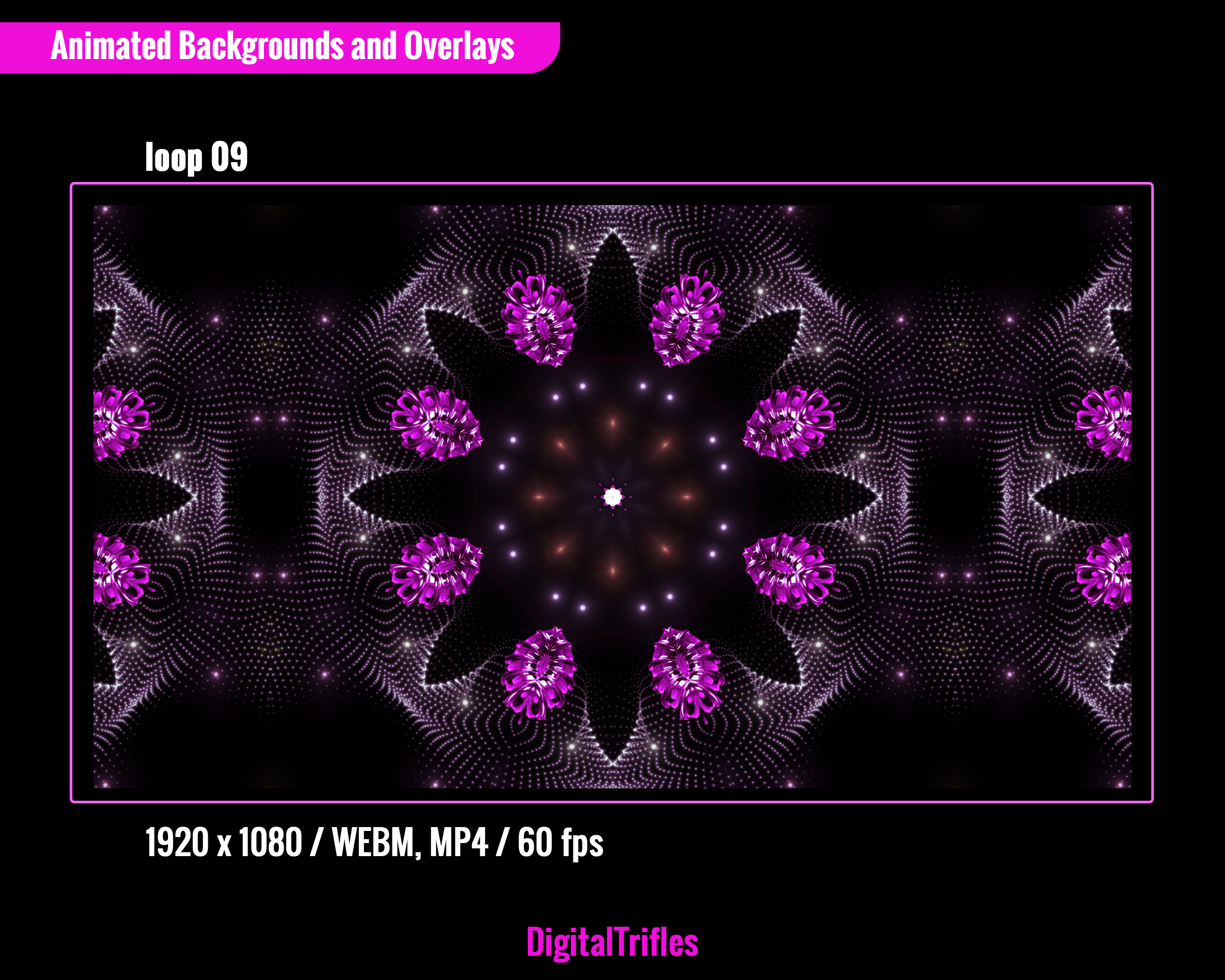
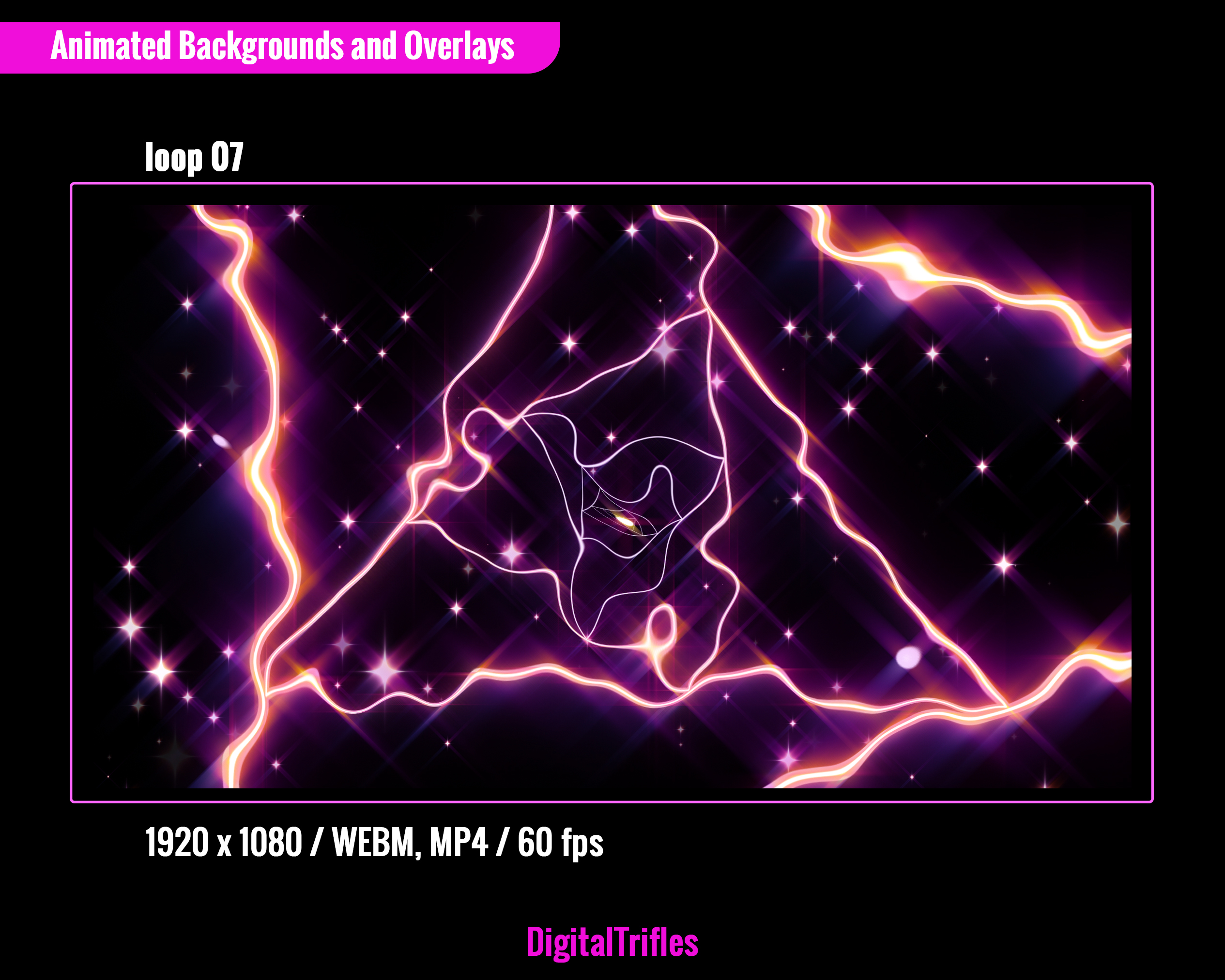
Resolution: HD 1920 x 1080
Loop Type: Seamless, perfect for continuous playback
Made for Music-Focused Streamers and VTubers:
🎧 DJ and VJ performances or music sets
🎤 Karaoke, vocal covers, and livestream concerts
🕺💃 Dance or choreography content
🎭 VTuber performances & rhythm-based content
🌟Stage backgrounds
✅ Perfect For:
Twitch, YouTube streams
VTuber intros and stage scenes
Virtual concerts & karaoke parties
✅ Fits any vibe: pop, rock, EDM, lo-fi, J-pop, trippy and more
✅ Easy Use in OBS Studio: Just drop loops into your scenes and trigger them live with hotkeys
➤ Drag and drop the loop into your scene in OBS studio. Alternatively, click the “+” button in the “Sources” menu, select “Media Source” in the dropdown menu. You can scale the background as needed. No plugins or extra software needed
➤ Don’t forget to enable “loop” option to make it seamless
➤ Assign to hotkeys for real-time control
➤ To make the overlay as visually impactful as possible, use an appropriate blending mode: right-click on the overlay layer and, in the menu that opens, select “Blending Mode.” Then, choose either “Normal”, “Add” or “Screen”. It will be better if you use a dark background for transparent WEBM files
➤ You can speed up the playback to match your music track
Find More Stream Stages & Lighting Effects → Browse the Collection
The Note:
- It’s a digital download. You will be able to upload these files as soon as the payment is complete
- No physical product will be shipped
- The item is intended for a user with minimal knowledge of digital file management
- Image colors might be slightly different due to different monitor calibrations
- Due to the nature of the product, it is not possible to return an item once it has been loaded
- Please contact me if you have any problem with your order
Streaming License Included: You may use these overlays in live broadcasts and VODs, including monetized content, on Twitch, YouTube, Kick, and other streaming platforms.
Restrictions: Do not resell, redistribute, or claim these files as your own.